

Who it’s for · At home
Can your AI and your partner’s AI plan something together?
Yes. You keep talking to yours; they keep talking to theirs. Kunobi lets the two AIs work at the edge of what you’ve each chosen to share, and nowhere else.
- Two people. One home to find.
- Your AI. Their AI.
- Two AIs. Two lists. Nobody sees both.
- Kunobi connects them.
- You choose what’s shared.
- Both AIs build on the same plan.
- And catch problems early.
- Three homes that work for both of you.
Desktop app formacOSWindowsLinux
How it goes
“Let’s find a house.”
Alex and Maya, buying a home together in Bristol.
The chaos
Alex browses listings on his phone on the commute. Maya researches school districts, quiet streets and bike routes on her laptop late at night. Forty open tabs, links on WhatsApp at 11pm, forgotten bookmarks, and an argument about why they rejected a house three weeks ago.
The mission
Alex tells his AI: “Maya and I are looking for a house in Bristol. Start a mission called Our New Home and invite Maya.” Maya accepts on her phone. They share a project now, the two of them, and both of their assistants.
Each in their own corner
Maya tells her AI what she needs, in her own words: light for a studio, a quiet street with trees, a twenty-minute cycle to the clinic. Alex tells his: a garden workshop, the motorway close for weekend visits, a monthly payment under £2,400. Private notes, finances and working styles stay private. The AIs meet at the mission’s edge and nowhere else.
The AIs do the legwork
Alex’s AI finds a Victorian with a 500 sq ft workshop, under budget, and before showing him, checks Maya’s list.
Alex’s AI:
This has the workshop you wanted, but Maya’s clinic commute would be 38 minutes on a busy road. Flag it as a trade-off for her to review?
Maya’s AI reads the planning records: great light in the studio, but the neighbour has applied for a two-storey extension that will block the afternoon sun.
It also spends forty cents from a wallet Alex allocated on the official title deed, and emails the estate agent from its own address for the floor plans.
The two of you decide
Over dinner they open the shared canvas: three homes that meet both lists, with the trade-offs side by side. A stressful process becomes a shared one, and both of them were heard.
A trip for two
Illustrated example
Same trip. Different AIs.
You use Claude. Marta uses ChatGPT.
Great price. Wrong weekend.
Your AI knows the budget. Hers knows when she’s free.
You’re still the go-between.
Copy. Send. Explain. Repeat.
Choose what you share.
Everything else stays outside the shared work.
Real screens from the development build: add someone, then choose what they see.
Actual product screen · development build 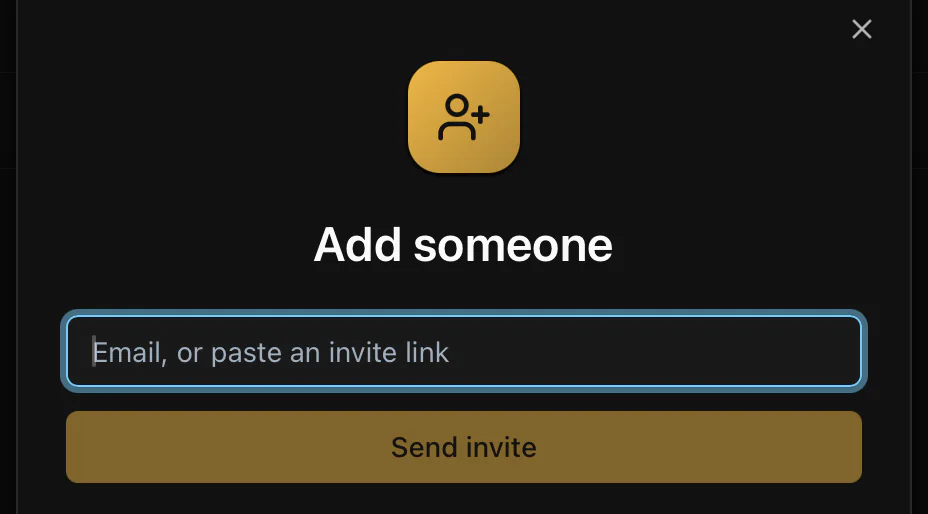
Actual product screen · development build 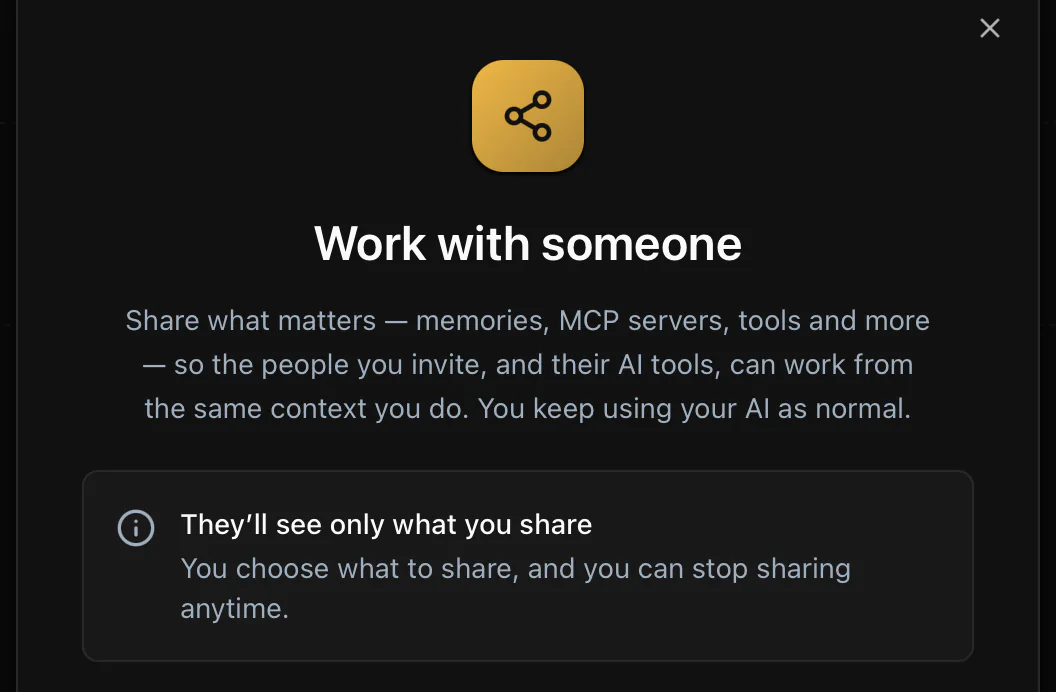
A trip that works for both of you.
Marta’s weekend. Your budget. One plan.
What stays yours
Only this project is shared. Personal chats, unrelated files and credentials stay outside it. What Kunobi keeps for you starts on your machine. Shared projects are available to their members; optional sync and backup have their own access settings.
Also for
- At work“Let’s launch this product.”Your AI and a colleague’s catch the 60‑day promise against the 30‑day contract before the launch does.For teams →
- In engineering“Let’s ship the architecture.”Her AI picks up his schemas, then questions his cutover date against the audit calendar, weeks before staging.For engineering teams →
Questions
Do we both need Kunobi?
Both AIs need a Kunobi connection to participate. The product plan also includes shared folders and read-only web previews, so an invited person can see the work before installing.
Can my partner’s AI read my chats?
Only this project is shared. Personal chats, unrelated files and credentials stay outside it.
Do we have to use the same AI?
No. One of you can be on Claude and the other on ChatGPT, Gemini or Cursor. Kunobi sits underneath whichever each of you already uses.